


Page 12 - Cape-Camera-June-2023
P. 12
Cape Camera                                                                                                                                                                             June 2023


                          Photoshop Tips: Using PS Dodge/Burn and Sponge tools


          A great way to add depth and contrast and saturation in selective areas of your image is by using the Dodge/ Burn and Sponge
          tools in Photoshop.
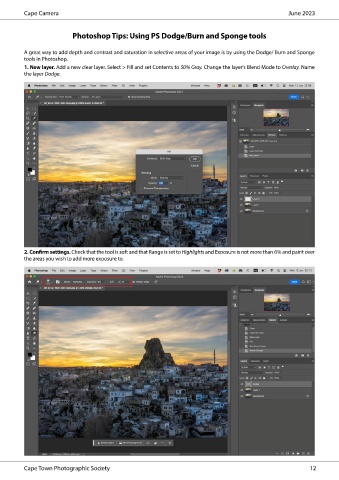
          1. New layer. Add a new clear layer. Select > Fill and set Contents to 50% Gray. Change the layer's Blend Mode to Overlay. Name
          the layer Dodge.


          2. Confirm settings. Check that the tool is soft and that Range is set to Highlights and Exposure is not more than 6% and paint over
          the areas you wish to add more exposure to.


          Cape Town Photographic Society                                                                                                                                                                                                                  12

